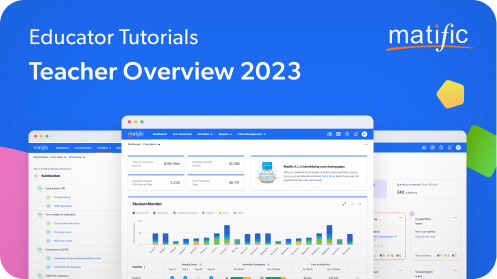

Free Training
Free and virtual professional coaching and development to ensure all teachers are able to make the most of Matific. Whether you want an introduction or a refresher on the basics of Matific, are after specialised training on distance learning, or want to extend your abilities and become a Matific Ambassador, we have the webinar available for you. Please contact your account manager or webinar@matific.com to arrange a private training session for your school.
Getting Started with Matific
Getting started on any new platform can be difficult. Help is here! Join our Educational Experts and School Success Team in free live webinars where they will review the basics of using Matific as a part of mathematical instruction.
Anyone who is new to Matific or wants a refresher on the basics of using Matific
Manage your class and learning groups; Assign activities and homework; Track student’s progress using in-depth reports; Get actionable insights into individual student and class performance using Teacher Dashboard
- For Teachers
- For Administrators
- 60 min
Matific New Features Training
In this session, our School Success Team will do a deep dive into all new features to the site to assist you in optimising Matific to complement your instruction and deliver positive learning outcomes. You’ll learn all the time-saving advantages of our new Scheduling Tool, which allows you to assign up to an academic year’s worth of content week by week. And you will learn how to use the new Live Classroom feature, which will enable you to support and direct your students in real time, as they complete their Matific activities. In addition, any new features that are introduced will also be explained in detail.
Teachers and Administrators who want to understand how to make the most of Matific
How to use Matific as an integrated classroom teaching tool; How to start a Matific session with your class and monitor their progress in real time; How to create personalised learning progressions; How to set up your default work assignment, make changes and schedule your students’ tasks for up to a year in advance
- For Teachers
- For Administrators
- 60 min
School Administrator Training
This session is designed for School Administrators who has Matific Administrator access. We will guide you through adding, deleting and moving students, managing your teachers, and how to view whole school reports.
- For Administrators
- 60 min

MATIFIC Q&A
A live 30 minute session to answer your questions related to Matific. Please join us for a live Q&A session on using Matific, jump on at any time during the session. This is designed for both new teachers using Matific for the first time, as well as seasoned users, who might need a quick refresher or who have questions about a new feature on the platform. PLEASE ENSURE THAT YOU HAVE WATCHED OUR 14 MINUTE TRAINING VIDEO OR ATTENDED ONE OF OUR LIVE WEBINARS PRIOR TO ATTENDING THE Q&A SESSION — as this session assumes prior knowledge on using the platform. We look forward to assisting you!
- For Teachers
- 60 min
Explore Our Past Webinars
Discover webinar recordings on different topics by renowned speakers that may be of interest to you.
Training Videos
Learn how to make the most of Matifc from our YouTube channel
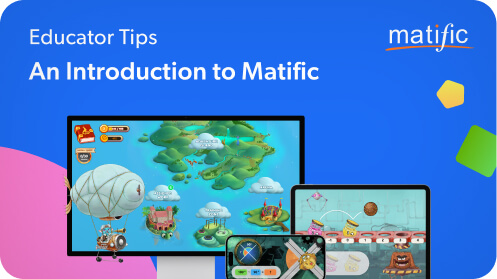
Your Guide to Matific
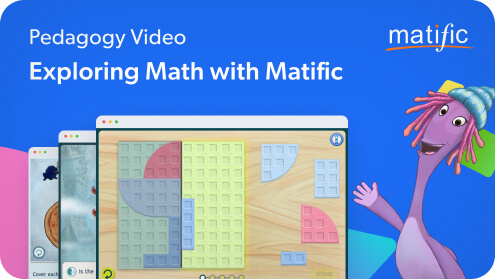
Getting Started with Matific